Components
- AccordionNew
- Alert
- Alert DialogNew
- AutocompleteNew
- AvatarNew
- Badge
- Breadcrumb
- Button
- CalendarNew
- CardNew
- Checkbox
- Checkbox GroupNew
- CollapsibleNew
- ComboboxNew
- CommandNew
- Context MenuNew
- Date PickerNew
- DialogNew
- DrawerNew
- EmptyNew
- FieldNew
- FieldsetNew
- FormNew
- FrameNew
- GroupNew
- Input
- Input GroupNew
- KbdNew
- Label
- MenuNew
- MeterNew
- Number Field
- OTP FieldNew
- Pagination
- PopoverNew
- Preview CardNew
- Progress
- Radio Group
- Scroll AreaNew
- Select
- Separator
- SheetNew
- SkeletonNew
- Slider
- Spinner
- StepperNew
- Switch
- Table
- TabsNew
- Textarea
- ToastNew
- ToggleNew
- Toggle GroupNew
- ToolbarNew
- Tooltip
Columns
A layout block of one to four equal columns, one block per cell, responding to the container rather than the viewport.

Text beside an image
The pattern real pages actually use in two columns: one block per cell. A media block on one side, a text block on the other.
import { ColumnsBlock } from "mako-ui/blocks/columns";
import { MediaBlock } from "mako-ui/blocks/media";
import { RichTextBlock } from "mako-ui/blocks/rich-text";
export default function Particle() {
return (
<ColumnsBlock>
<MediaBlock
alt="Two Rubix technicians examining a part in a machining centre."
imageHeight={800}
imageUrl="/images/technicians-1200x800.jpg"
imageWidth={1200}
fill
/>
<RichTextBlock>
<h3>Text beside an image</h3>
<p>
The pattern real pages actually use in two columns: one block per
cell. A media block on one side, a text block on the other.
</p>
</RichTextBlock>
</ColumnsBlock>
);
}
Props
ColumnsBlock
| Prop | Type | Default | Description |
|---|---|---|---|
children | ReactNode | — | One block per cell; extra children wrap onto a new row. |
count | 1 | 2 | 3 | 4 | 2 | The number of equal columns. |
The block carries no title on purpose: a layout block holds structure, not meaning — a two-column section gets its heading from the blocks it holds.
Examples
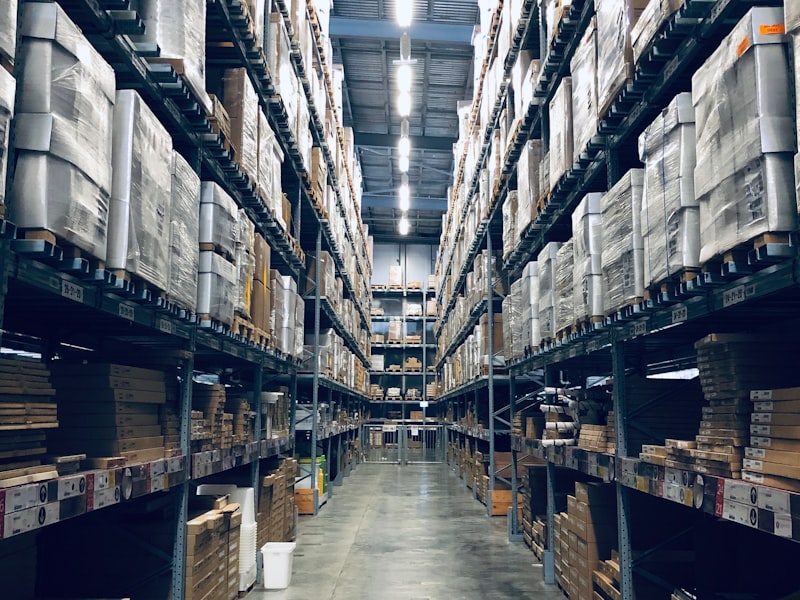
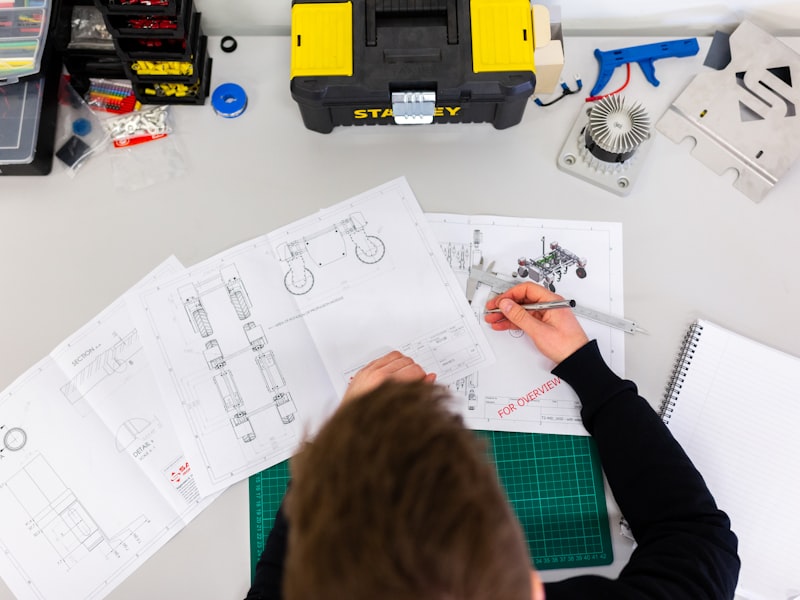
Three columns of filled media
fill on each media block stretches the images to the same height, whatever the captions do.

import { ColumnsBlock } from "mako-ui/blocks/columns";
import { MediaBlock } from "mako-ui/blocks/media";
export default function Particle() {
return (
<ColumnsBlock count={3}>
<MediaBlock
alt="A wall of labelled storage bins in a Rubix warehouse."
caption="Storage and picking"
imageHeight={600}
imageUrl="/images/storage-800x600.jpg"
imageWidth={800}
fill
/>
<MediaBlock
alt="A technician measuring a machined part with a micrometer."
caption="Metrology and quality control, from the incoming part to the certificate"
imageHeight={600}
imageUrl="/images/metrology-800x600.jpg"
imageWidth={800}
fill
/>
<MediaBlock
alt="Close-up of a CNC machine cutting metal."
caption="Machining"
imageHeight={600}
imageUrl="/images/machining-800x600.jpg"
imageWidth={800}
fill
/>
</ColumnsBlock>
);
}